










Product pricing configurator: Custom for your industry
For years, most quoting has started and ended in spreadsheets. But with iQuoteXpress, we have taken that spreadsheet logic and both supercharged and simplified it in our custom configurator, enabling guided configurations in professional presentations, and ensuring top-performing products and pricing are placed front-and-center for your prospects.
Built around proven industry patterns
We don't force one generic configurator style. We implement the pattern that fits how your team sells:
• Room / area-based builders (made-to-measure, multi-line quotes) Example: window coverings grouped by room — dimensions drive pricing, motor and frame selections follow dependency rules, and installation is captured in-flow. No specialist needed.
• Zone-based project configurators (systems sold by scope) Example: fire protection projects built per zone — equipment and service logic price together as the rep designs, so a complete multi-zone project prices itself in one pass.
• Base model + upgrades ("presets") Example: modular homes that start from a model preset, apply region/zone packages, then produce a priced estimate plus a clear scope.
• Component-grid system builders (platform + compatible parts) Example: workstations/HPC where a validated base system loads, then compatible parts are swapped per slot and priced as the build evolves.
Guided choices, valid combinations only
Dependency rules and valid-combination logic prevent incompatible selections — so reps configure correctly first time, without a specialist on call.
Pricing logic embedded where choices are made
Configurators apply your commercial logic as selections are made — multipliers, rate cards, size factors, service bundles — and prices resolve in real time, written directly into the quote.
Margin handling (practical, not theoretical)
Margin controls work at line and quote level — when thresholds are breached, approval routing triggers automatically. Reps see the impact before submitting, not after. Correct scope, correct price, every time.
Control what customers see
From the same configuration — no re-keying, no copy-paste — you generate the outputs that fit how you sell:
• A commercial summary (by room/zone/section if needed)
• A separate technical/spec view (with or without pricing)
Revisions in seconds
Every configured quote stays linked to its setup. Reopen the configuration, adjust any input, regenerate. Version intact, data consistent — no rebuilding, no re-keying.
Where it shows up in real life (quick examples)
• Windows & Doors: presets + visuals + fast global changes for repeated lines and revisions.
• Shutters & Blinds: room-grouped proposals; size-driven rules; motors/frames/services captured consistently.
• Industrial Fire Protection: zone-based scope; equipment + service logic priced together; summary + technical outputs.
• Modular Homes: model presets; zone/code packages; priced estimate + build scope from one configuration.
• Medical Equipment: select a base device by application/spec, add compatible accessories and service plans.
• Industrial Cranes & Lifting Equipment: base model + capacity parameters drive structural options; hoist and electrification selections follow dependency rules; auxiliary hoist blocks activate conditionally — one configuration, priced estimate and technical spec.
Cost advantages of IQX
Get configuration + estimating tailored to your rules — often starting from the estimating spreadsheets your team already trusts, extracting rules and pricing logic already proven in your business — so complex quoting becomes practical without the overhead of heavyweight CPQ projects.
White-glove build & upkeep
We map your rules, build and test the configurator, align it with your live catalog and pricing, and keep it current — so your quoting logic never drifts from your actual offer.
IQX Catalog features
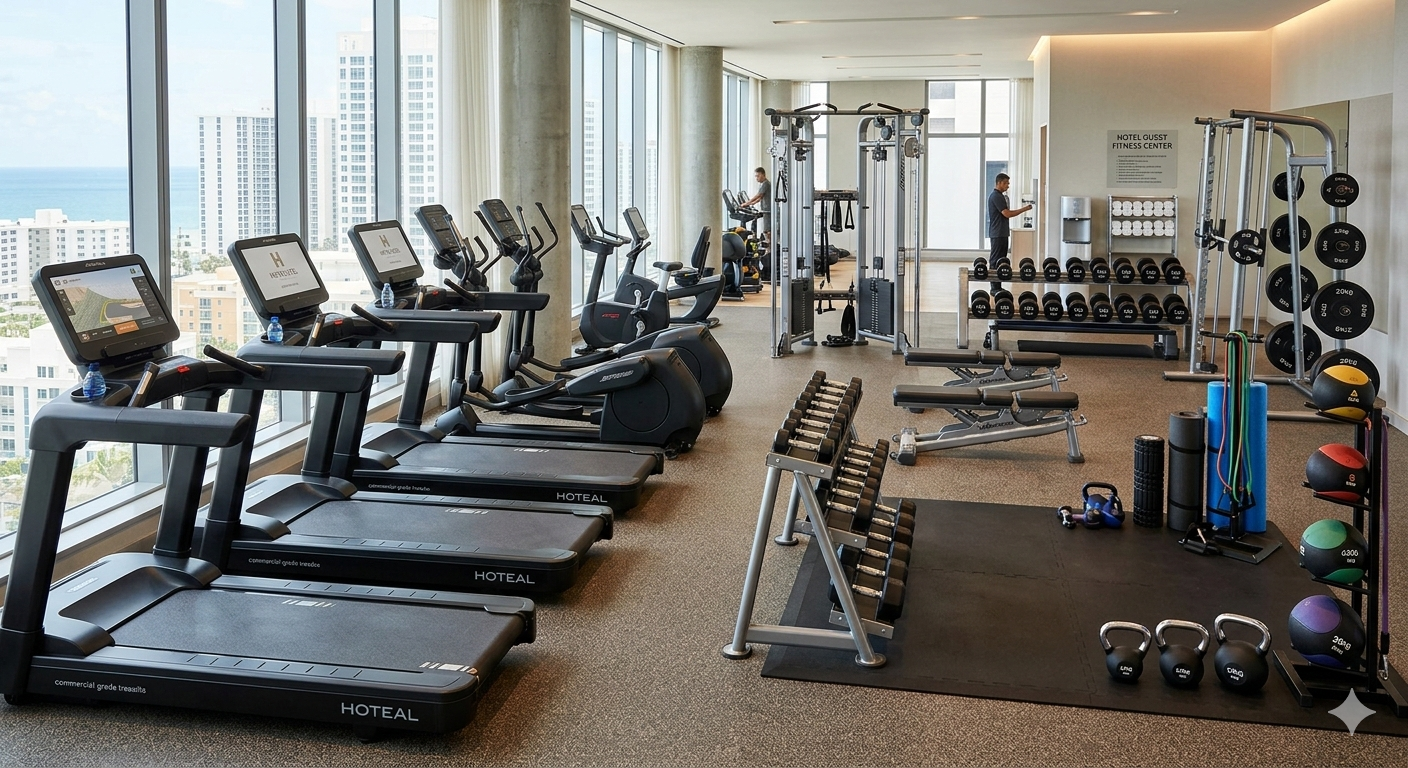
IQX’s relational product tree helps ensure accurate and valid product bundles by defining component and cost dependencies (e.g., required, excluded, recommended). This eliminates configuration errors, streamlines the quoting process, and enables effective cross-selling/upselling. The image shows an example being used by a fitness equipment manufacturer.

Centralize and automate the creation, storage, and retrieval of essential sales documents (proposals, contracts, spec sheets), ensuring accuracy, consistency, and faster deal closure.
.jpg)
IQX’s product search engine–customized for each industry and even each client– quickly guides sales reps to the right products or bundles, minimizing search time and errors. This accelerates quote creation and ensures compatibility for complex orders.
.jpg)
Some of the reports IQX generates
This simple report considers all proposals including drafts. This is a good tool to see the level of activity that the sales representative is engaged in and gives a snapshot of effort.
.png)
This report calculates both Gross Revenue and Margin and translates it on a dateline with the percentage forecasted to close by the sales person. This should help Management assess the Net Revenue and Margins to expect in the future from past efforts.
.png)
This report gives a quick view as to the status of a proposal (whether it is closed or open) and does so within a selected time frame given by the sales manager.
.png)
This report provides detail by Agent, Quotes per period, Gross Revenue Open and Closed as well as Gross Revenue Quota, # of Quotes, $ / Closed Quote, and the Gross Revenue required to meet quota as well a Gross Revenue Difference required to meet quota.
.png)
This report provides detail by Agent, Quotes per period, Gross Revenue Open and Closed as well as Gross Revenue Quota, # of Quotes, $ / Closed Quote, and the Gross Revenue required to meet quota as well a Gross Revenue Difference required to meet quota.
.png)
Knowing what the expenses are as a percentage of Gross Margin can help management determine sales budget strategy and assess effective investment in the sales process by sales representative.
.png)

Contact us today for a free demo and see how our solution can help your business
The best way to learn about us is to see for yourself. We respect your privacy. No nonsense.

